

DxO PhotoLab 9
All features
Image quality & RAW processing
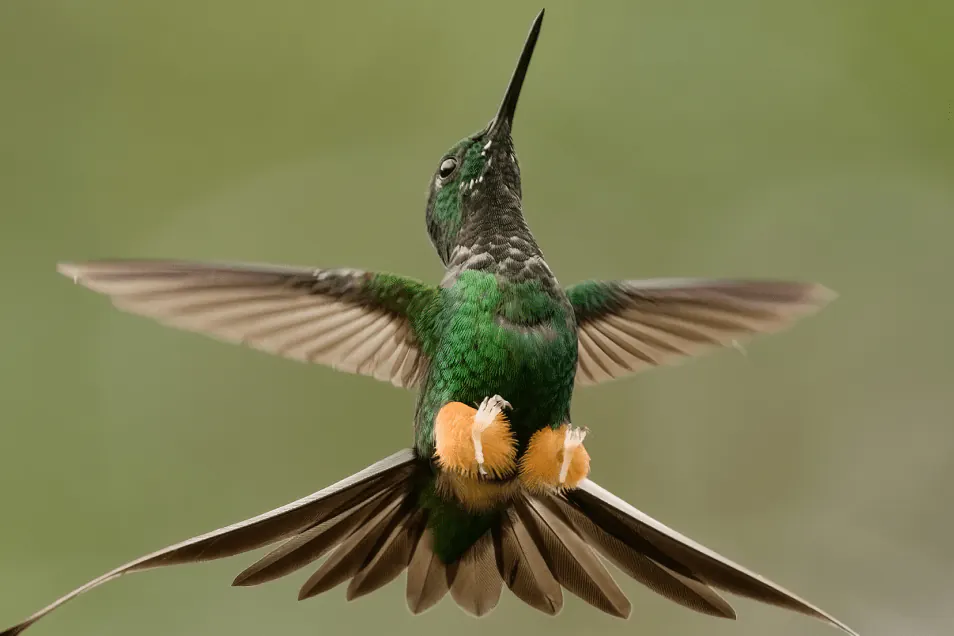
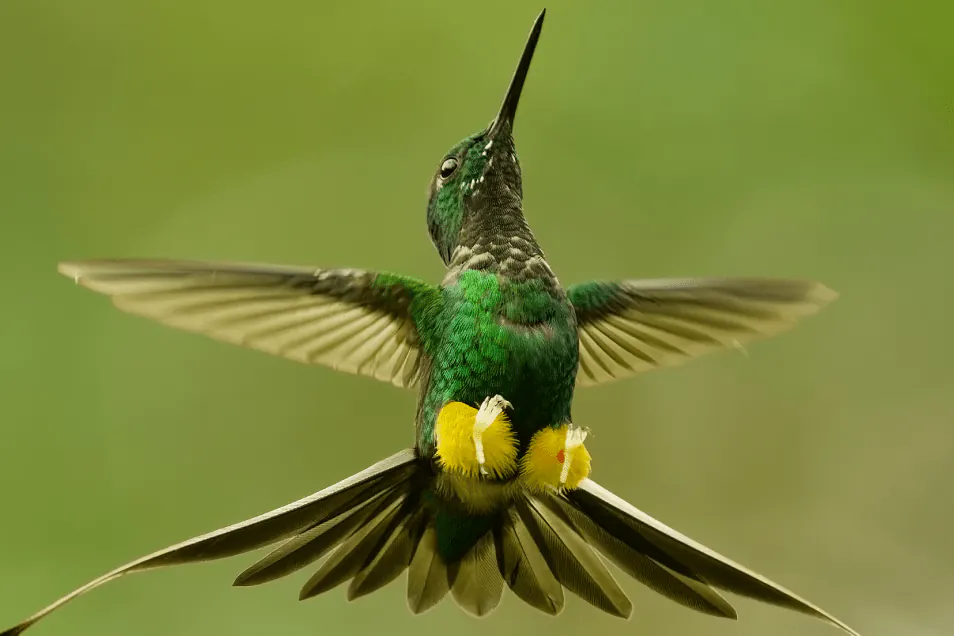
DxO's pioneering Modules are renowned for giving photographers the best possible performance from their gear, and are applied automatically depending on metadata. Lens softness adjustments are tailored according to the idiosyncrasies of individual lenses. They don't simply sharpen uniformly across the entire image like in other software.
DxO PhotoLab 9
image adjustment


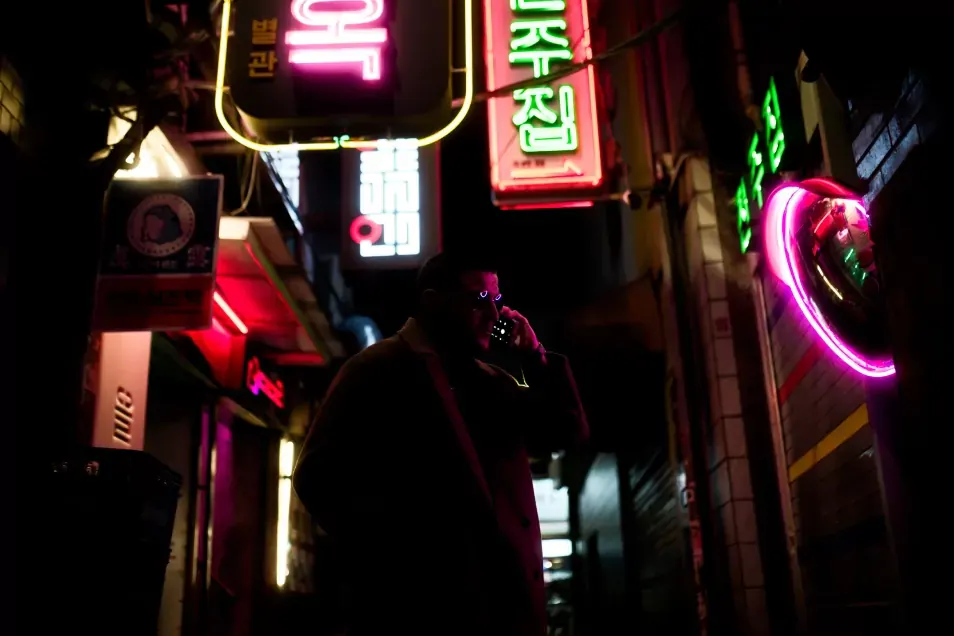

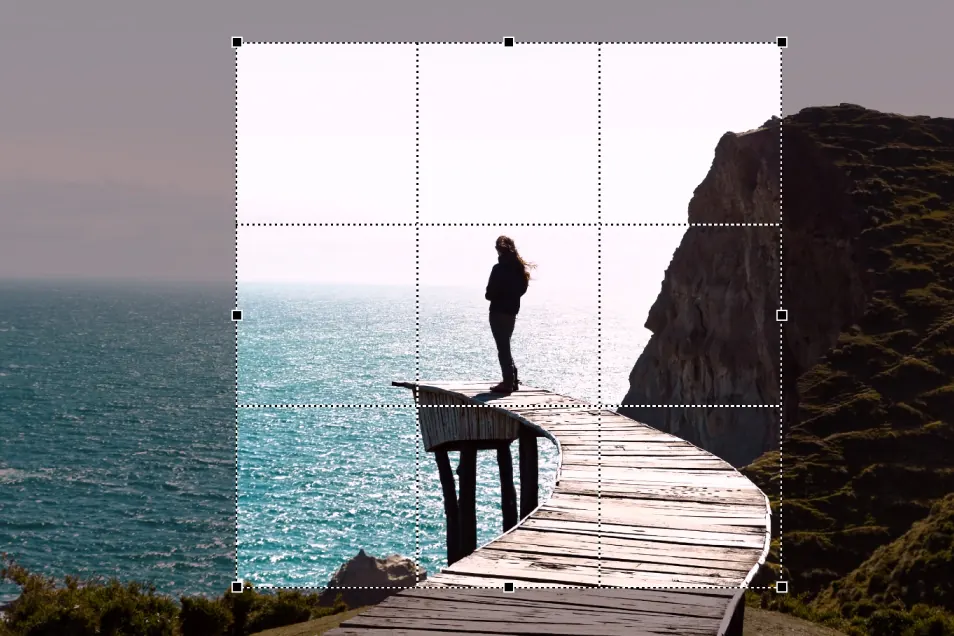
Use ColorWheel to manipulate colors and customize color channels. Adjust Exposure compensation, edit the Tone Curve (enhanced in v8), tweak Contrast and Microcontrast. Plus White Balance with color picker, Color Accentuation to set saturation/vibrancy, Black-and-white palette with channel mixer, and Selective Tone for greater control over tonal ranges.
Creative editing


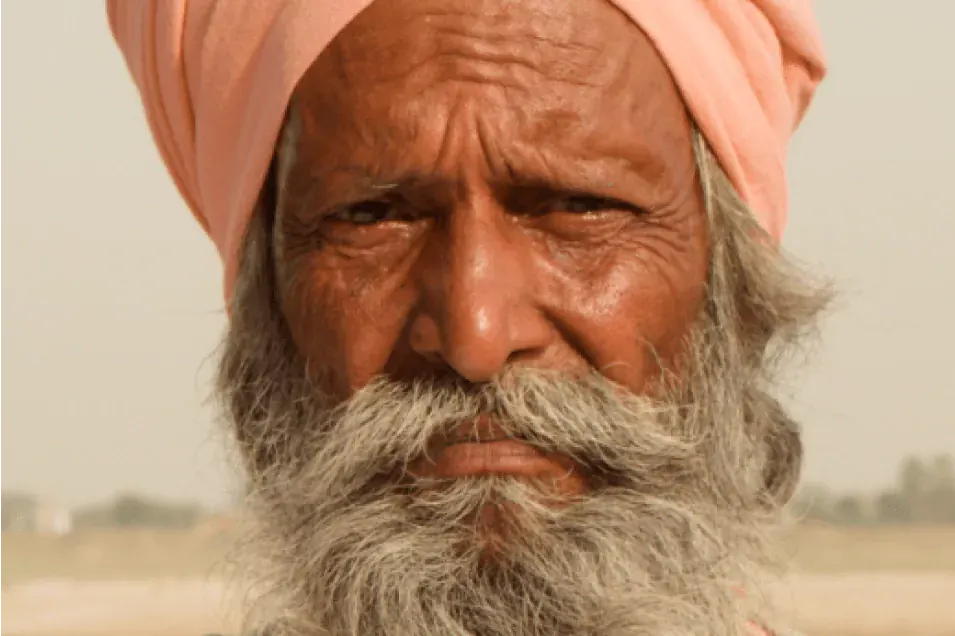
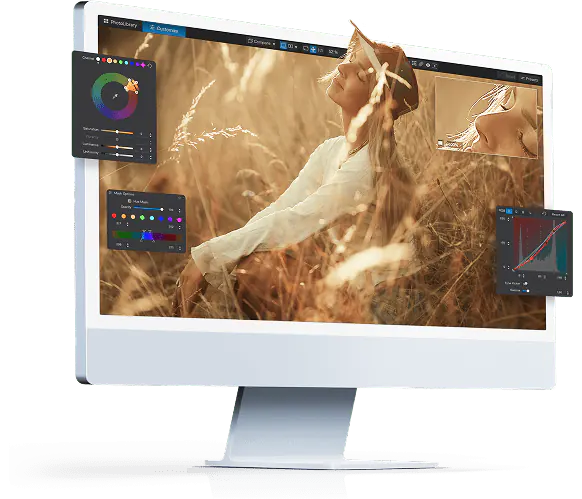
Import and apply LUTs to open up endless creative color options. Choose from 32 pre-installed LUTs and set intensity.
Get your free trial now!
Download DxO PhotoLab9 today.
30 day free trial, no restrictions, no card details required.
*Your email address is only used for information about DxO and Nik Collection software. Learn more about your rights and how we manage your data.
DxO PhotoLab 9
local adjustments
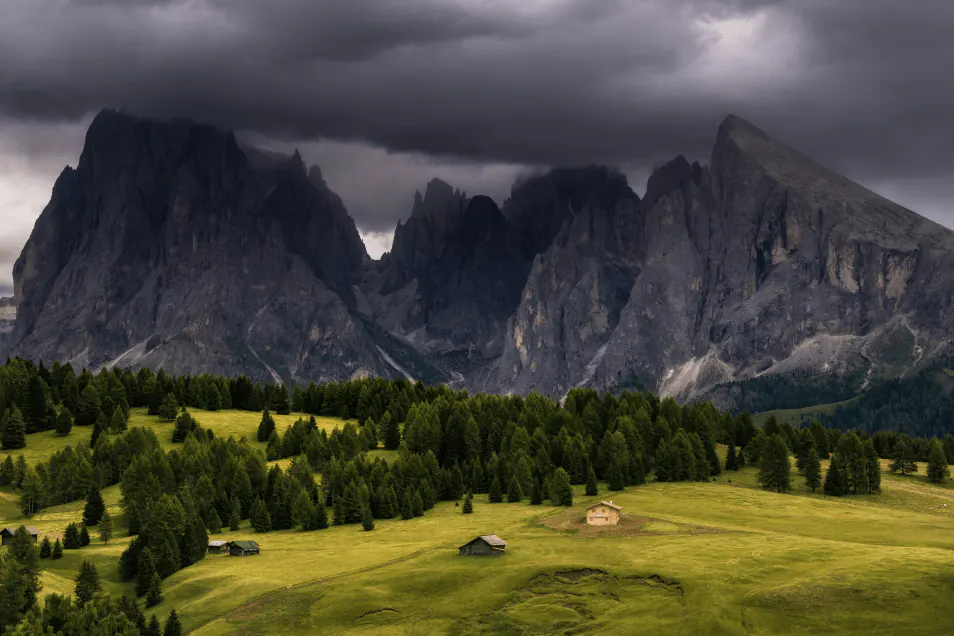
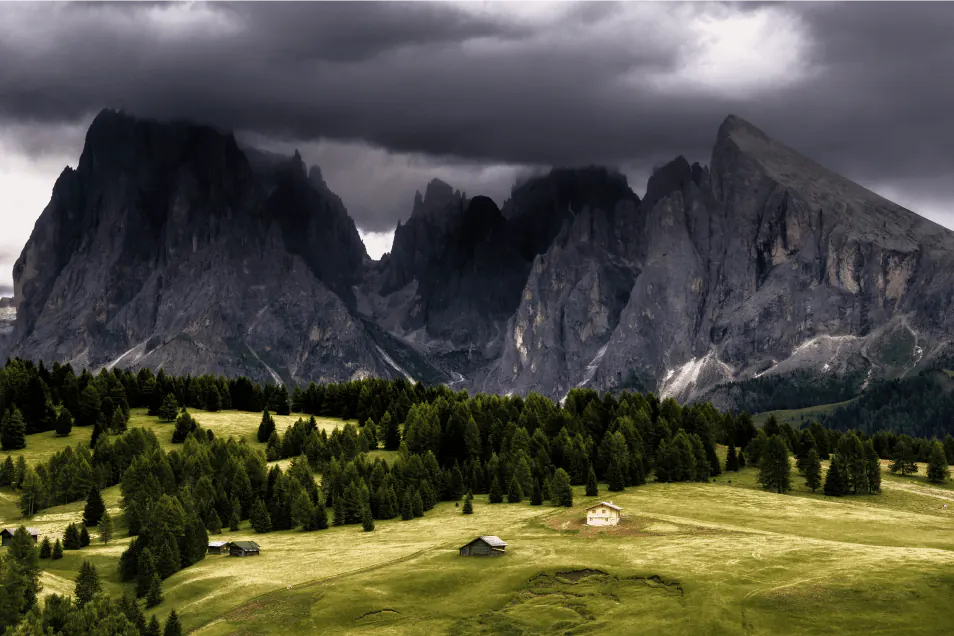
UPDATED IN V9.6 - Use the power of machine learning to deliver razor-sharp selections in an instant.
Click, draw, or simply choose from smart, predefined subjects — like sky, face, or hair — to apply fast, pinpoint adjustments with incredible accuracy. Subtract and invert AI Masks, and combine with other masking tools for complex selections. Make quick selections using Subject Types and copy and paste local edits intelligently between images in a few clicks.
Version 9.2 introduced improved matting and an upgraded sensibility threshold for cleaner edges, while version 9.6 introduces feathering controls for sophisticated selections.
Workflow aids
& user interface
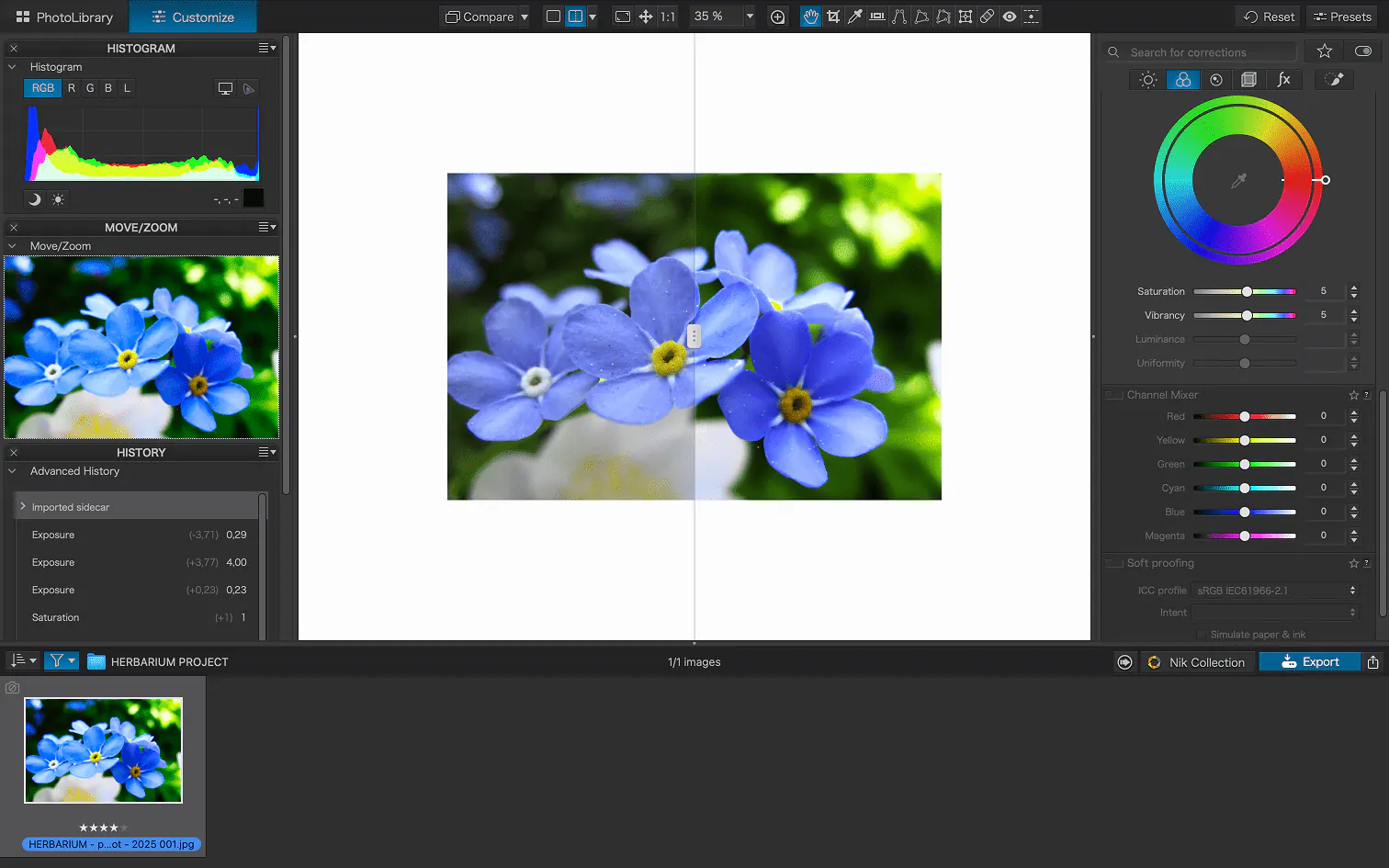
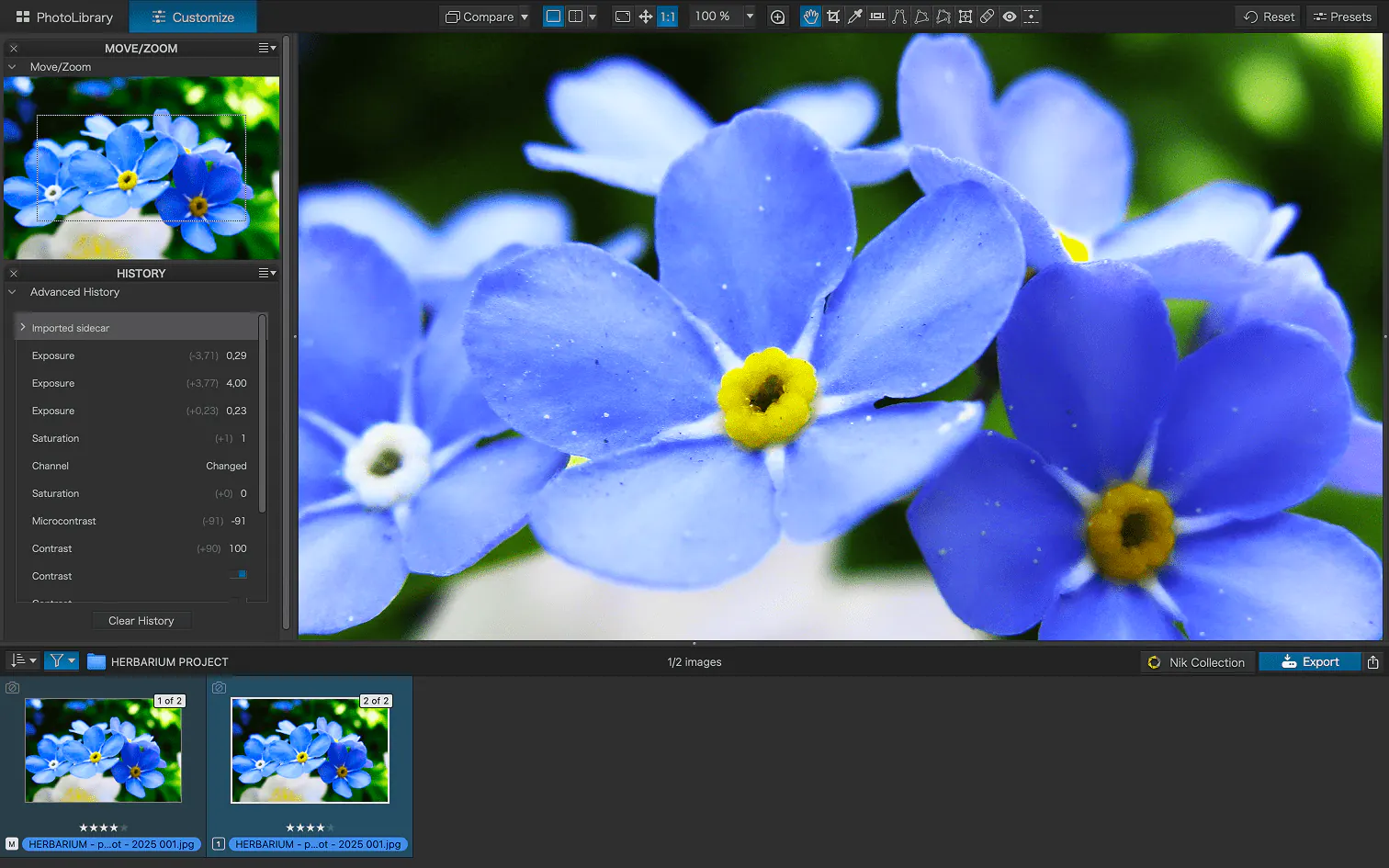
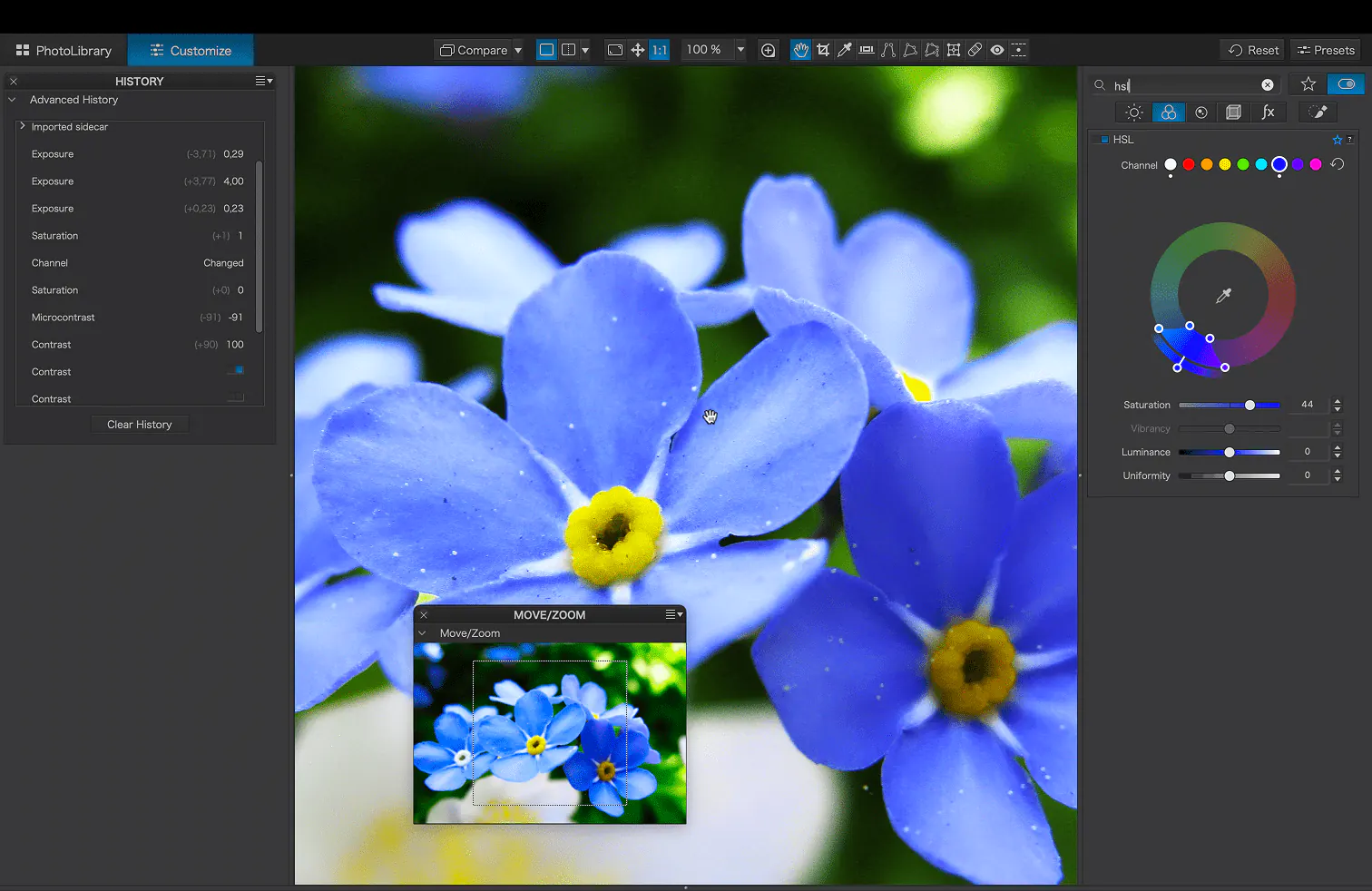
Advanced History palette provides a full editing history including specific values and changes. Grouped corrections can be expanded when applying presets in order to track individual changes. Quick Compare Mode puts your edit alongside the original image with a vertical or horizontal split. You can compare your current image with output versions and virtual copies, or choose a reference image.
PhotoLibrary &
Photo Management
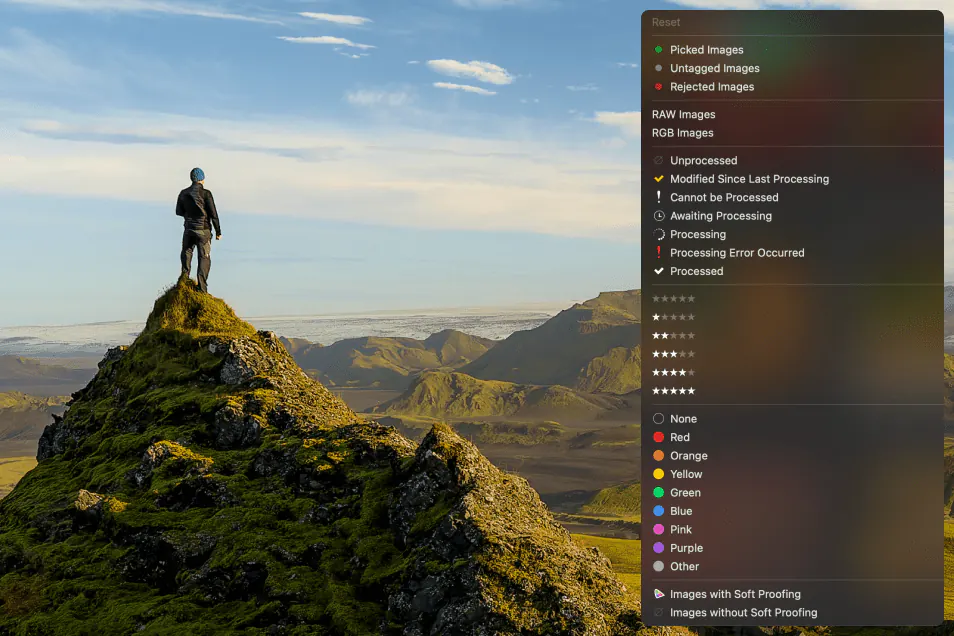


UPDATED IN V9.2 - Don't import images; simply browse your disk and edit your images on the fly. Select/search/filter photos with ease. Apply star ratings, color tags, pick/reject images, and choose from a range of criteria when searching, including color tags. For faster searching, simply direct DxO PhotoLab to index specific folders.
DxO PhotoLab 9
Export
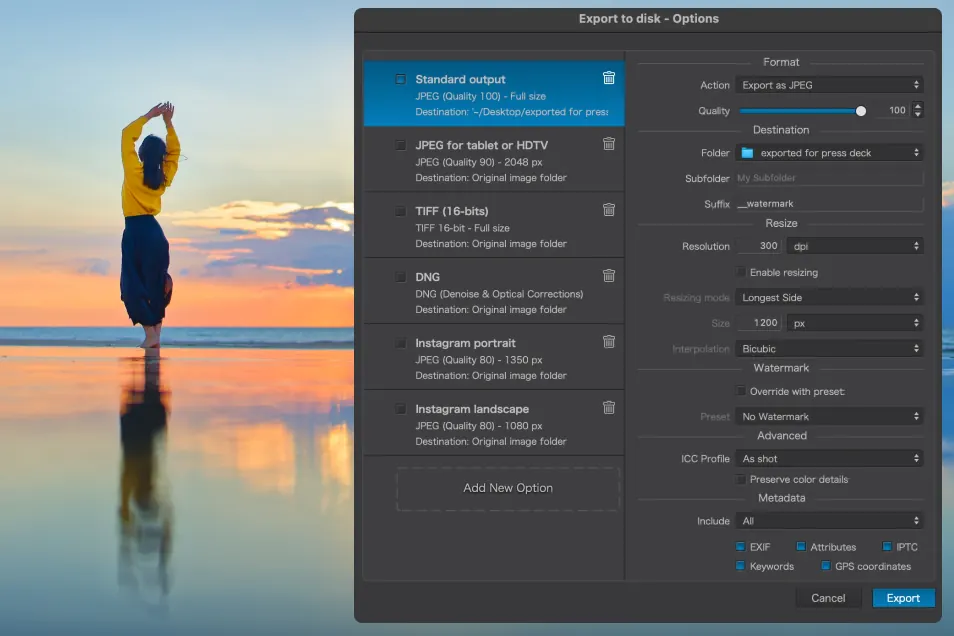

Choose the size/location of files, set up custom export presets, create multiple parallel exports, and apply original or custom ICC profile, sRGB, or Adobe RGB profiles. Right-click to export to a specific application. Send images directly to other applications. With Nik Collection installed, you have direct access to all plugins.
Get your free trial now!
Download DxO PhotoLab9 today.
30 day free trial, no restrictions, no card details required.
*Your email address is only used for information about DxO and Nik Collection software. Learn more about your rights and how we manage your data.
