

DxO PureRAW 6
The software that reveals the true quality of your RAW files
Get sharper details, richer tones, and beautifully natural results — all before you even start editing. It’s the first step to flawless photos, whatever your workflow.

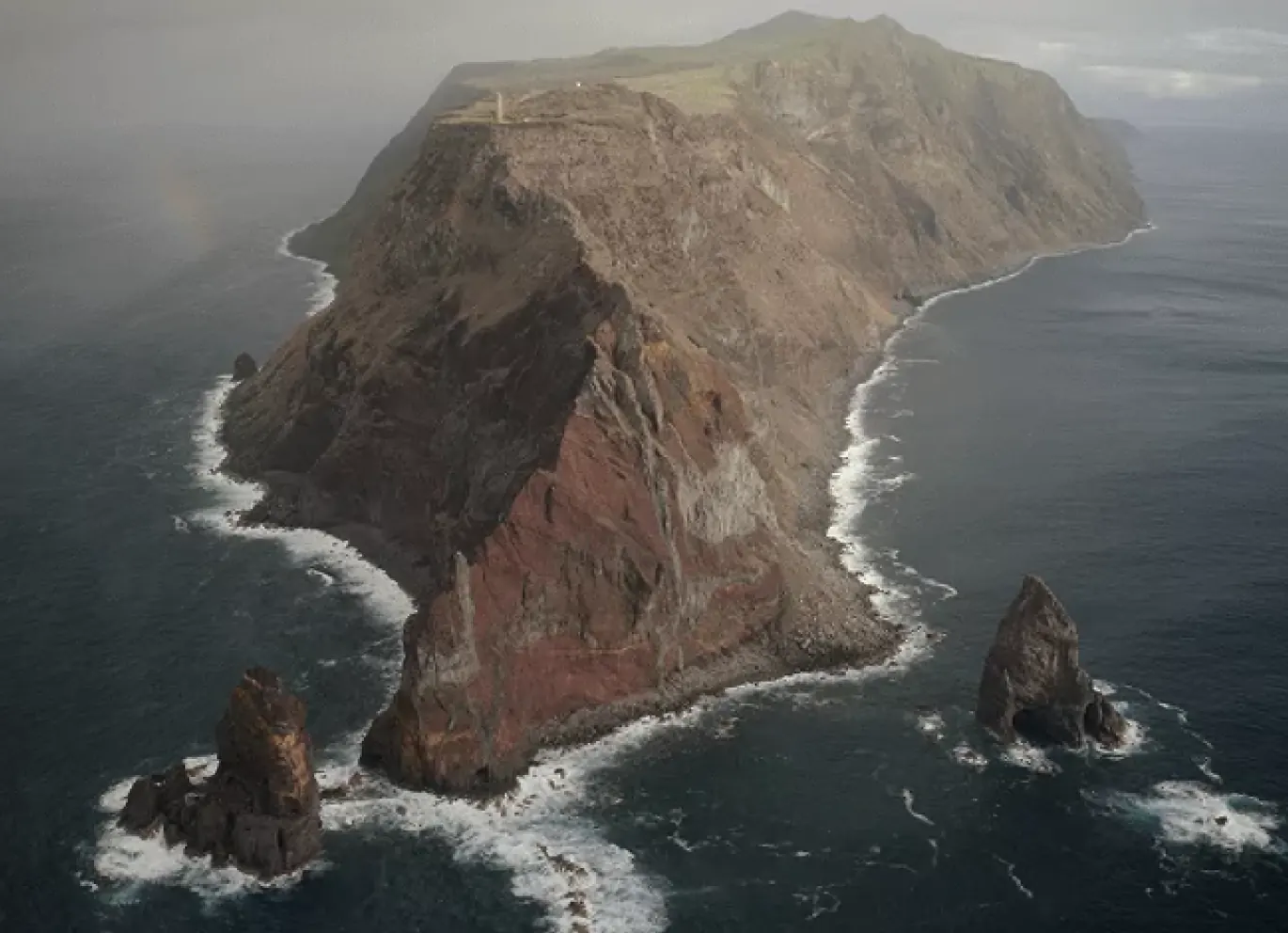
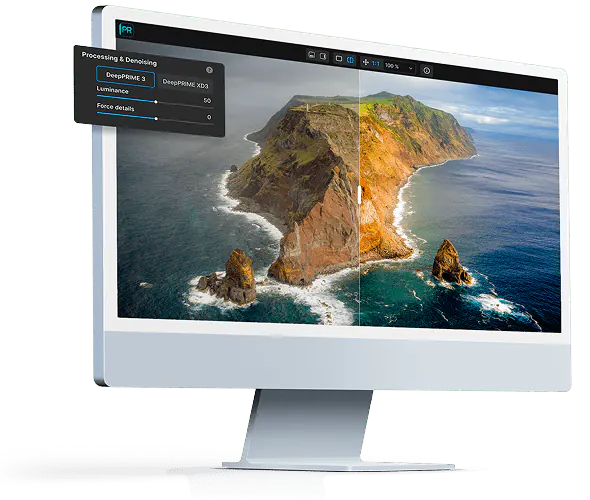
Before
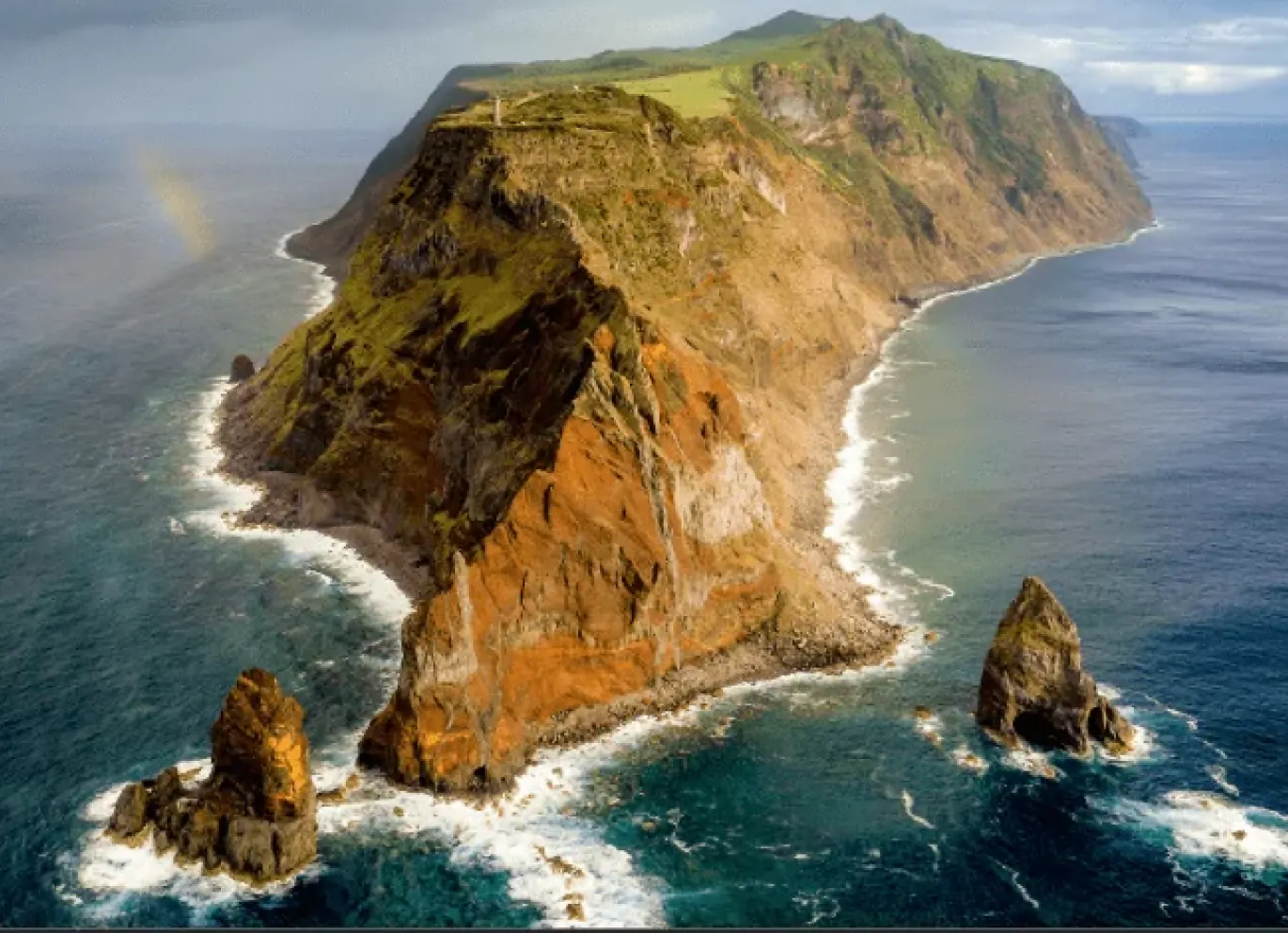
After
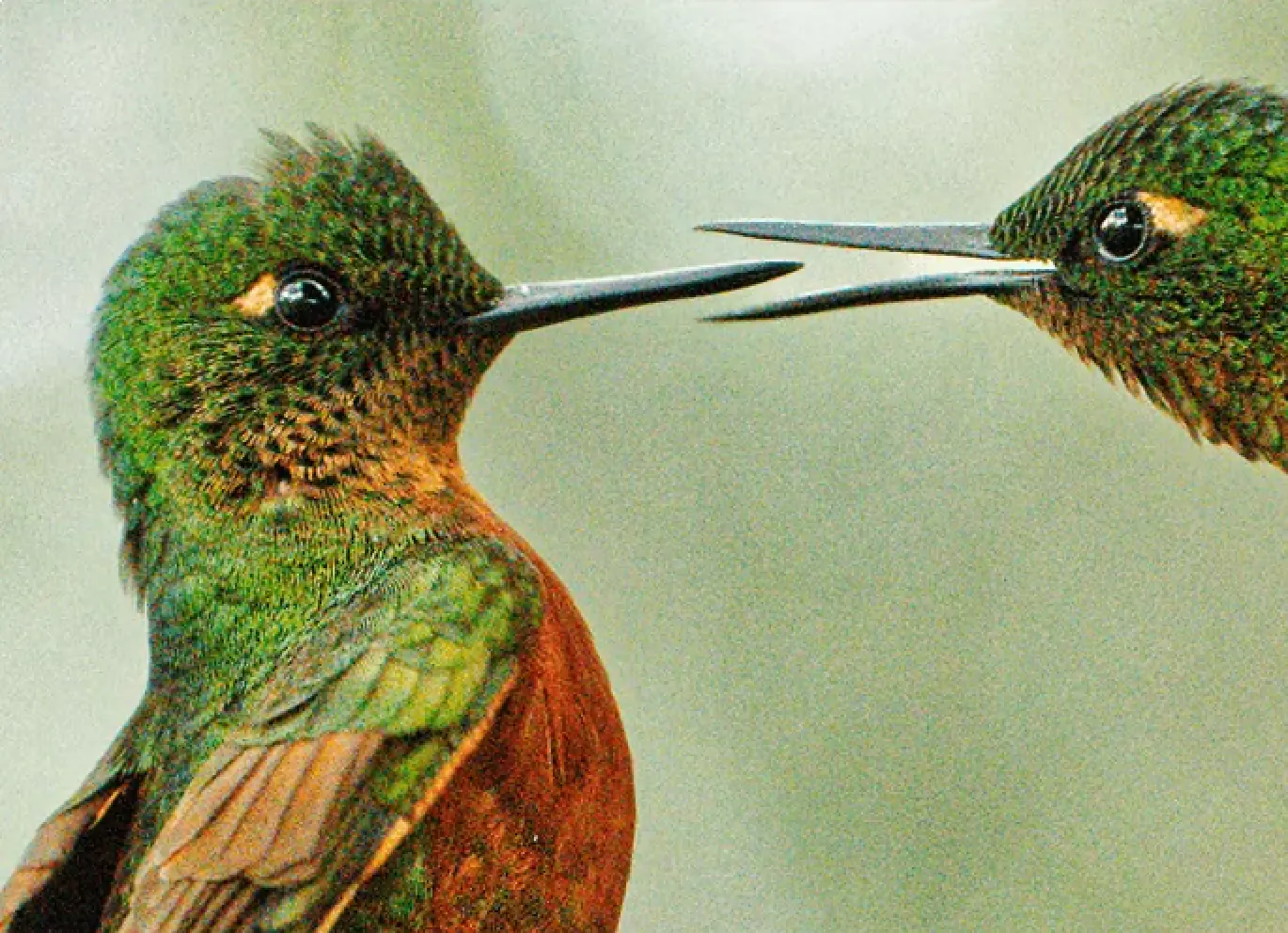


Get sharper, cleaner,
more detailed photos
Unparallel sharpness
Unparallel sharpness
Experience precision like never before. Exclusive DxO Modules extract every detail your lens can deliver.
Unbelievably clean images
Unbelievably clean images
Forget about ISO and say goodbye to noise. DeepPRIME technology reveals beautifully smooth, natural-looking results.
Unmatched detail and color
Unmatched detail and color
Capture every nuance. DxO’s unique RAW processing delivers incredible depth and realism with rich, accurate colors.
Superior distortion adjustments
Superior distortion adjustments
Perfectly straight lines, every time. Thanks to the accuracy of our analyses, you may even get a larger field of view.
Chromatic aberration corrections
Chromatic aberration corrections
Eliminate color fringing with a level of accuracy built on more than 20 years of technological expertise.
Vignetting rectification
Vignetting rectification
Recover every corner. DxO PureRAW⁶ evens out exposure, restoring brightness and balance from edge to edge.
Image credits: Images 1 & 3 © Petr Bambousek. Image 2 © Stefan Forster. Image 4 © Kevin Barré. Image 5 © DxO. Image 6 © Agathe Poupeney
Slides seamlessly into
any workflow
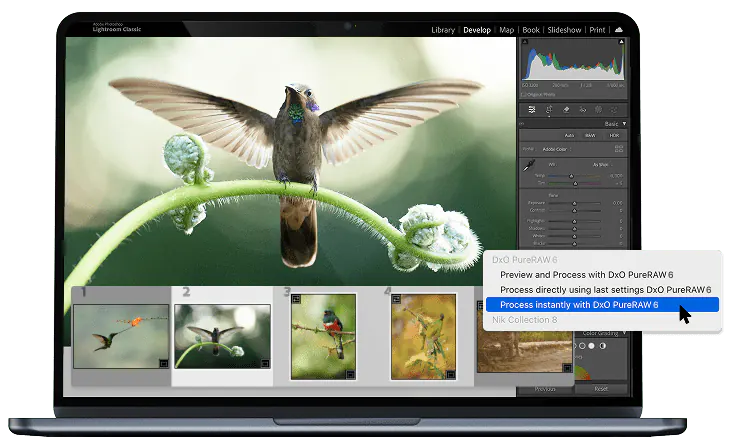
Use as a Lightroom plugin
Your processed photos return to Lightroom automatically — edits, metadata, and Collections perfectly intact.
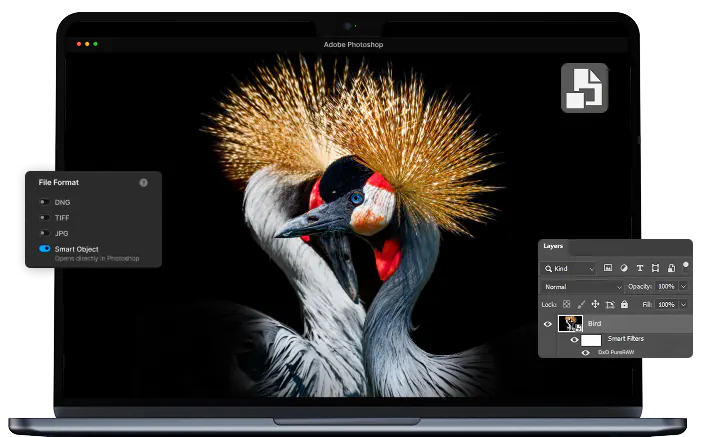
Photoshop Smart Filter integration
Revisit your denoising and demosaicing at any point, making DxO PureRAW 6 the ideal alternative to Adobe Camera Raw in your Photoshop workflow.
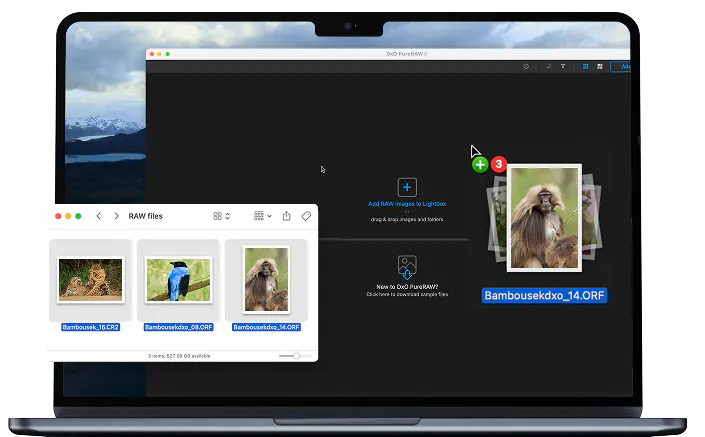
Drag-and-drop files, or right-click
From Explorer or Finder, send files effortlessly to DxO PureRAW 6 for fast, automated processing. Choose which software receives your processed files.
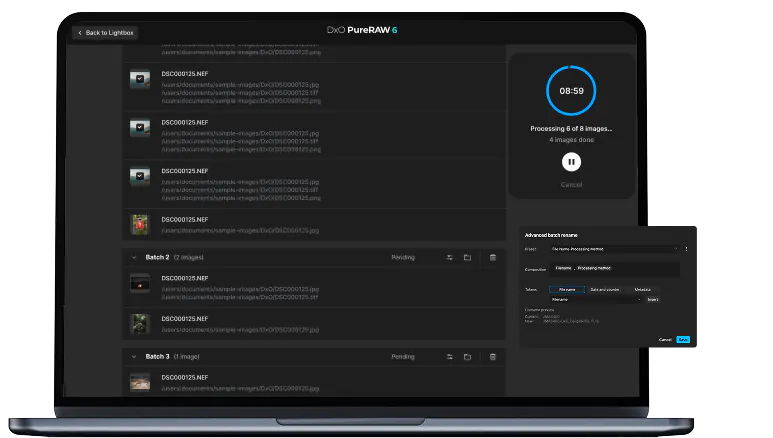
Batch processing, advanced renaming
Auto-detect memory cards, handle large batches effortlessly, and enjoy powerful renaming options — for both original and exported files.
Get your free trial now!
Download DxO PhotoLab9 today.
30 day free trial, no restrictions, no card details required.
*Your email address is only used for information about DxO and Nik Collection software. Learn more about your rights and how we manage your data.